
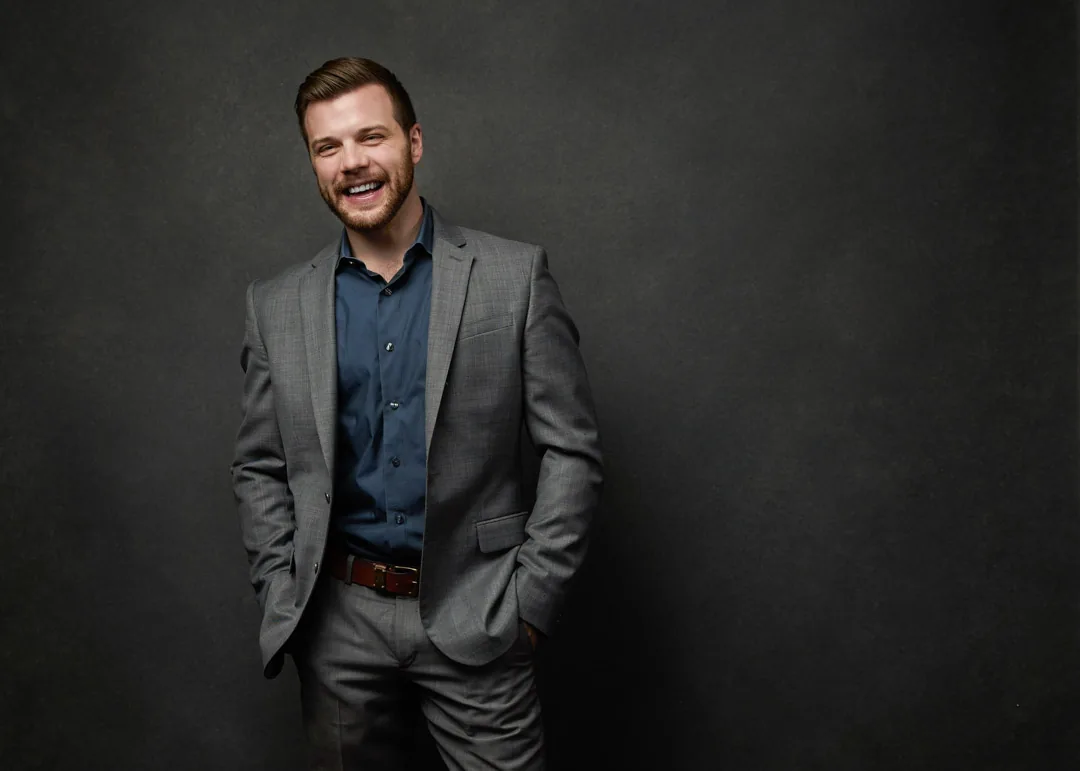
What size is the LinkedIn profile picture in 2026? It is 400 by 400 pixels, and here are the five specs that decide whether yours looks sharp or soft.
The LinkedIn profile picture in 2026 is 400 by 400 pixels at the recommended size, and LinkedIn accepts anything from that minimum up to 7,680 by 4,320 pixels, saved as a JPG or PNG under 8 MB. That single answer covers what most people search for, but the size number is only the first of five specs that decide whether your photo looks crisp and professional or soft and amateur in the feed. Below are all five, each paired with the common mistake I see people make, drawn from photographing professionals for their LinkedIn profiles here in my Fort Myers studio.
I'm Joshua Albanese, and I've photographed more than 15,000 professionals over 18 years, first in Chicago and now in Southwest Florida. LinkedIn is the single most common destination people give me when they book a headshot. The platform's rules are simple once you know them, and getting them right is the difference between a photo that earns a second look and one that quietly undersells you.
Spec 1: Size and dimensions, 400 by 400 up to 7,680 by 4,320
The core spec is pixel dimensions, and the recommended LinkedIn profile picture size is 400 by 400 pixels. That is the number to remember, but it is a floor and a suggestion, not a ceiling. LinkedIn will happily take an image as large as 7,680 by 4,320 pixels, which means a full-resolution photo straight off a real camera is well within range. The platform scales your image down to fit each spot it appears, so starting large and letting it shrink always looks better than starting small and forcing it to stretch.
The shape matters as much as the size. Your photo needs to be square, because LinkedIn works from a 1-to-1 image and displays it inside a circle. A rectangle gets cropped to a square before it is even placed, so if you upload a tall portrait, the platform decides which part to keep, and it does not always keep the part you want.
The common mistake here is uploading a tiny image, usually one cropped out of a group photo or pulled from a phone screenshot. A face cut from a wider shot might only be 150 pixels wide, and no amount of good lighting saves a photo that small. It looks blurry the moment it loads. Give LinkedIn real resolution to work with and this problem disappears on its own.
Spec 2: File format and the 8 MB limit
The second spec is the file itself: LinkedIn accepts JPG, PNG, and GIF, and the maximum file size is 8 MB. For a headshot, JPG is the right choice almost every time, because it holds photographic detail at a reasonable file size. PNG is fine too and can look slightly cleaner, but the files run larger for no visible benefit on a portrait. GIF exists in the list but has no place on a professional profile.
Eight megabytes is a lot of headroom. A normal high-resolution photo from a camera or a modern phone usually lands well under it, so you rarely need to compress anything to fit. That generous limit is there so you can upload quality, not so you can chase it.
The common mistake runs backward from what you would expect. Instead of bumping against the 8 MB ceiling, people crush their file far below it, exporting at low quality to save space or sending a heavily compressed copy through a messaging app first. Every pass of compression throws away detail you cannot get back, and it shows up as mushy edges and blotchy skin once the photo is on screen. Upload the cleanest, largest version you have under 8 MB and stop there.
Spec 3: The circle crop, so frame for a round window
The third spec is not a number, it is a shape, and it catches more people than any dimension does. LinkedIn displays your profile photo inside a circle nearly everywhere it appears: the feed, search results, comments, messages, and your profile header. Your square photo is the source, but the corners never show. Anything living in a corner is effectively invisible.
This changes how a good LinkedIn headshot is framed. The composition has to work inside a round window, which means your head and shoulders belong centered with a little space around your head. Push your face to one edge to look artistic and the circle clips it. Leave your shoulders too low and the crop cuts them into an awkward sliver.
The common mistake is framing for the square you upload rather than the circle people actually see. Someone lines up a nice rectangular shot, feels good about the edges, and never pictures the round mask that gets laid over it. When I shoot for LinkedIn in the studio, I compose for the circle from the start, so what survives the crop is exactly the head-and-shoulders frame that reads as confident and open. The corners are just packaging.
Spec 4: Head-and-shoulders framing, let your face fill the frame
The fourth spec is how much of the frame you occupy. On LinkedIn your photo is small, often no wider than a coin on a phone screen, so your face needs to carry it. The working guideline photographers use is to let your face and shoulders fill most of the frame, roughly 60 percent, with your eyes sitting in the upper third. That is what makes a thumbnail readable at a glance.
There is a reason this matters more on LinkedIn than on a printed page. A recruiter or a prospective client is scanning quickly, and the photo has a fraction of a second to register as a real, approachable person. A tight, well-framed head and shoulders does that instantly. A distant figure lost in a scene does not.
The common mistake is standing too far from the camera. People send a full-body shot, or a photo taken across a room, and once it shrinks into that little circle their face is a dot. Detail, expression, and eye contact all vanish. Come in close, fill the frame, and keep your eyes high. A LinkedIn headshot is about your face, so give your face the room.
Spec 5: Resolution, light, and a background that stays quiet
The fifth spec ties the first four together: overall image quality, meaning sharpness, clean light, and a background that does not compete with you. LinkedIn can render a beautifully lit, high-resolution photo at its best, but it cannot add quality that was never captured. Sharp focus on the eyes, even light across your face, and a simple background are what separate a photo that looks professional from one that looks like a snapshot.
Each piece connects to the others. Resolution gives the platform detail to scale from. Even light keeps your face free of harsh shadows that get worse as the image compresses. A quiet background, a clean studio tone or a soft, uncluttered setting, keeps every bit of attention on you inside that small circle. In a studio I control all three at once, which is why a directed session holds up when the file is scaled down to thumbnail size.
The common mistake is the busy, badly lit selfie: a phone shot in a dim room, a distracting background, a doorway or a parked car behind you, and light coming from the wrong direction. It clears the technical specs, since it is the right size and format, and still undersells you, because quality is the one spec no dimension guarantees. This is the spec worth investing in. Studio LinkedIn headshots in Fort Myers start at $500 for the session with retouched images at $150 each, and the file you leave with is built to hit all five of these specs without you guessing at any of them.
The questions I hear most about LinkedIn photo specs, answered in plain language.
Ready for a LinkedIn photo that clears every spec?
You should not have to memorize pixel dimensions to get a profile photo that looks like you at your best. A guided studio session handles the size, the format, the circle crop, the framing, and the light all at once, so the file you get is built for LinkedIn from the first frame. If you're ready to get it done right, get in touch with JA Headshots in Fort Myers to book. Sessions are directed start to finish, retouching is included, and the result is made to hold up wherever your profile shows up.
This article was written by Joshua Albanese, founder and lead photographer at JA Headshots in Fort Myers. He founded a top-10 US headshot studio in Chicago, photographed more than 15,000 professionals over 18 years, and relocated to Southwest Florida in 2024. His psychology-driven approach is built for people who are convinced they are not photogenic.
Frequently asked questions
What size is the LinkedIn profile picture in 2026?
The recommended LinkedIn profile picture size in 2026 is 400 by 400 pixels, and 400 by 400 is also the practical minimum you want to upload. LinkedIn accepts images all the way up to 7,680 by 4,320 pixels, so bigger is fine and usually better. Keep the file under 8 MB and save it as a JPG or PNG. The one rule that never changes is to upload a square image, because LinkedIn displays your photo inside a circle and a square gives it clean edges to crop from.
What is the maximum file size for a LinkedIn photo?
The maximum file size for a LinkedIn profile photo is 8 MB. That is a generous ceiling, so you almost never need to compress a normal photo to fit it. The mistake goes the other way: people shrink a photo far below the limit to save space, then wonder why it looks soft on a retina screen. Upload the largest clean version you have, under 8 MB, and let LinkedIn scale it down. A file with room to spare reads sharper than one squeezed to a few hundred kilobytes.
Does LinkedIn crop my photo into a circle?
Yes. LinkedIn takes your square photo and displays it inside a circle almost everywhere your face appears, including the feed, search results, and comments. The corners of your square get hidden, so anything important in a corner is effectively invisible. Frame with your head and shoulders centered and leave a little breathing room around your head. If you shoot for the circle instead of the square, nothing you care about lands in a cropped corner.
Do I need a professional headshot for LinkedIn?
LinkedIn does not require a professional headshot, and a clean, well-lit photo from a good camera can clear every spec on its own. What a professional session buys you is consistency and direction: correct framing for the circle crop, resolution that holds up when it scales, even light on your face, and someone telling you what to do so the expression looks like you on a good day. At JA Headshots in Fort Myers a session is $500 with retouched images at $150 each, and the file you receive is built to hit these specs without you thinking about them.
Studio LinkedIn headshots in Fort Myers, directed start to finish so your profile photo clears every spec. Retouching included.
Learn more
Written by
Joshua Albanese
Photographer, JA Headshots
Joshua Albanese founded one of the top-10 rated headshot studios in the United States in Chicago in 2007. Over 18 years he photographed more than 15,000 professionals and produced over 3 million images for clients ranging from Fortune 500 executives to first-year associates. In 2024 he relocated to Fort Myers and opened a dedicated portrait studio at 1325 Canterbury Dr. His psychology-driven approach is built for people who say they aren't photogenic.