
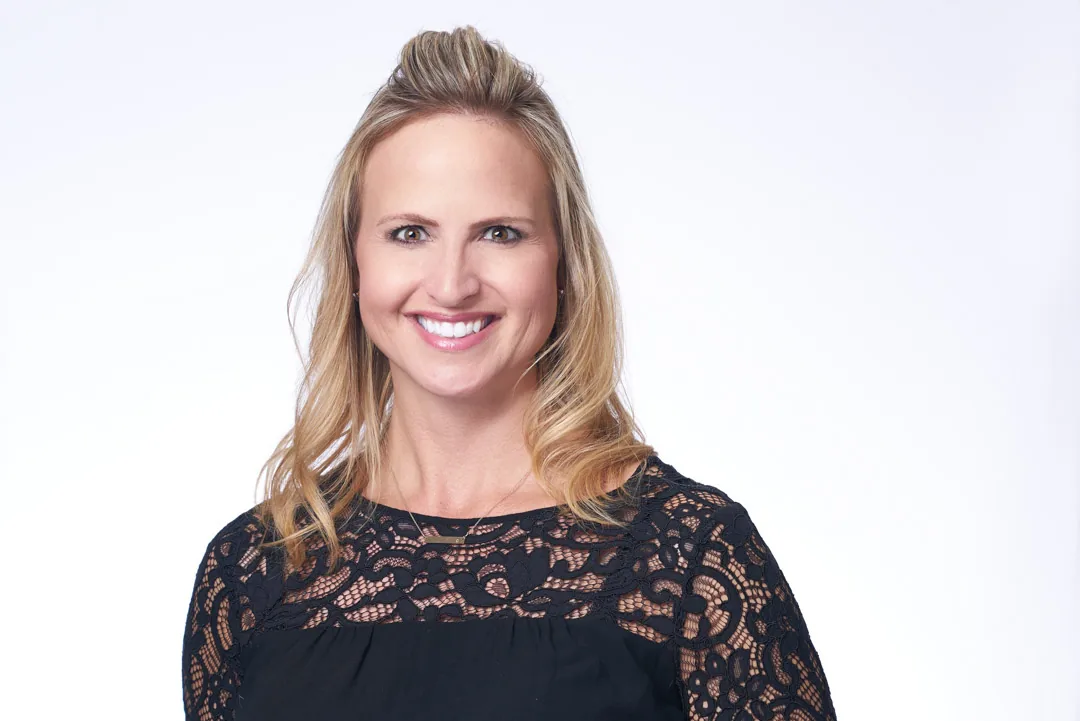
LinkedIn has 1 billion users. Roughly 200 million are job-seekers in any given quarter. Recruiters scan profiles at half a second each and decide who to read based mostly on the photo. The headshot does 70% of the profile's work, and most professionals treat it like a passport photo.
Joshua Albanese has shot 15,000+ headshot sessions over 18 years for Fortune 500 banks, top-tier law firms, and venture-funded startups. This is what we tell every client booking professional headshots for LinkedIn at our Fort Myers studio.
What dimensions does LinkedIn use?
LinkedIn requires a square upload, recommends 400 x 400 minimum, and renders the photo as a circular crop. Desktop visible diameter is 152 pixels. Mobile is smaller. Anything outside the circle gets clipped.
The frame to shoot for: top of head about 8% from the top, eyes on the upper-third line, frame cutting between the collarbone and second shirt button. That's the LinkedIn-native crop. If your photographer doesn't know it cold, that's a yellow flag.
Why is LinkedIn different from any other headshot use?
Three reasons. First, the crop is tighter than almost any other professional photo use. Avvo, Healthgrades, the firm bio page, and the press release all give you more frame. LinkedIn keeps you small. Second, LinkedIn is dynamic. Your photo lives next to your name in 40 different surfaces at five different sizes. It has to read at every size. Third, LinkedIn is the most-seen profile photo most professionals will ever use. A bad photo on Avvo costs you a few client calls per quarter. A bad photo on LinkedIn costs you the recruiter pipeline.
What background works on LinkedIn?
Solid, low-contrast backgrounds win at LinkedIn's small render size. The backgrounds that consistently photograph best:
- Neutral mid-gray. Reads professional across every industry.
- Charcoal or near-black. Strong for finance, law, executive roles.
- Soft cream or warm off-white. Works for medical and creative roles.
- Deep navy or muted teal. A good middle ground for tech and consulting.
- Outdoor blurred greenery. Works for real estate and hospitality.
Backgrounds that fail: bright primaries, gradients with hot spots, busy textured walls, bookshelves with readable spines (eye drawn off-face), and anything with a strong horizontal line cutting through the head.
What expression works best?
A real smile that reaches the eyes wins on LinkedIn for almost every role. The exception: senior partner, judge, surgeon, certain board roles, where a confident closed-mouth half-smile reads more authoritative.
The middle-ground default: closed-mouth smile with a soft eye crinkle. Photographers call it the Duchenne smile. It signals approachability without looking eager. The fully open smile (teeth showing) wins for sales, recruiting, and consumer-facing roles. It under-performs at the partner and VP level.
The dead-stare blank face tells the viewer you'd rather not be there. The recruiter feels it.
How direct should eye contact be?
Eyes locked into the lens. Pupils centered. Almost never look away from the camera for a LinkedIn primary photo. Glancing-off-camera shots can work for the secondary photo on your About section, but for the profile thumbnail, lock the eyes onto the viewer.
A tell of an amateur photo: the subject's eyes are looking at the photographer's forehead instead of the lens. The viewer feels it without knowing why. A working studio photographer fixes this before the first frame.
How does the banner interact with the headshot?
The banner is your stage. The headshot is the actor. They share a visual language without competing.
Three rules:
- Banner cooler in tone than the photo. A blue, slate, or muted forest green banner pushes warm face tones forward.
- No busy text under the photo overlay. LinkedIn anchors the photo on the lower-left of the banner on desktop. Keep that corner clean.
- Banner color supports the wardrobe. A navy blazer + navy banner is intentional. A red shirt + red banner is loud.
Strong banner content: a clean gradient, a cityscape with negative space, a brand graphic with your value prop in 6-8 words. Weak: stock photos with people, quotes in fancy fonts, logo collages.
What lighting works best?
Soft directional light with a clean catch-light in the eyes. The light source sits at eye level, slightly to one side, with a fill on the opposite side to soften cheek shadow. At JA Headshots, that's a large softbox at 45 degrees plus a V-flat reflector. The portrait reads true skin, sparkle in the eyes, and dimension without harsh shadow.
Avoid: overhead office fluorescent (raccoon eyes), direct sunlight (blown highlights, squinting), and ring light only (flat light with a donut catchlight that screams "selfie video").
What are the most common mistakes?
We see the same eight mistakes on 80% of LinkedIn profiles.
- Selfie cropped from a group photo. Compression is wrong, resolution is poor, body language reads "wedding guest."
- Webcam zoom screenshot. Camera angle looks up at the chin. Recruiters spot this in milliseconds.
- Old graduation photo. More than 4 years old, it isn't you anymore.
- Vacation photo with fake background blur. The blur looks wrong, and the face has the wrong light.
- Off-brand color. Hot pink shirt for a banker. Loud Hawaiian for an attorney.
- Sunglasses or hat. Disqualifiers for hiring-track use.
- Pet, child, or partner in the frame. The primary headshot is one face, yours.
- AI-generated headshot. Recruiters are getting better at spotting these.
LinkedIn's official tips for profile photos cover most of these. The mistakes still happen because most professionals never read that page.
How does the LinkedIn algorithm treat profile photos?
LinkedIn's 2024 product blog reports that profiles with a real photo get 21x more views and 9x more connection requests than profiles without one. The algorithm doesn't grade photo quality, but the human downstream does.
Recruiters give about 1.2 seconds of attention to each photo in a sidebar of search results before they click or scroll. A clean studio headshot gets clicked 40-60% more often than a phone selfie or AI photo. The photo controls how much of your profile a recruiter ever reads.
How long does a session take?
A working studio session runs 30 to 90 minutes. At JA Headshots, individual sessions are 30 to 45 minutes for one primary look and 60 to 90 minutes for two or three wardrobe variations. We shoot 200 to 400 frames, the client picks favorites in real time, and we deliver a curated gallery within five business days.
A 15-minute quick-shoot won't give you the wardrobe and expression range to pick a confident final image. A four-hour quote usually means hourly billing that doesn't serve you.
Studio or on-location?
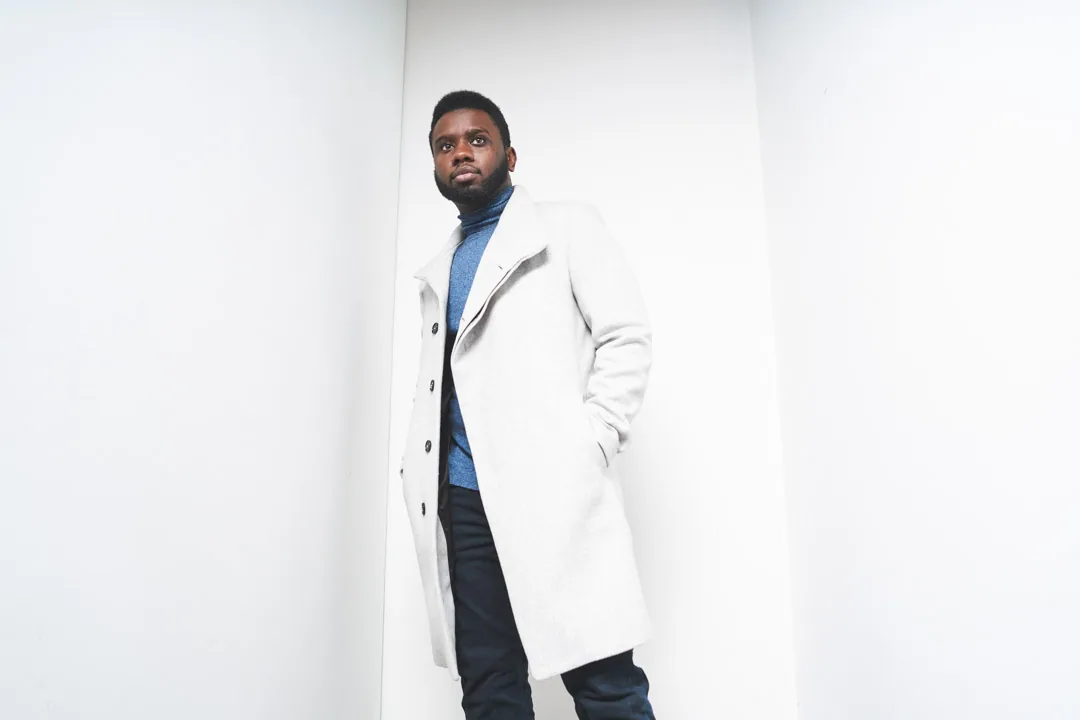
For LinkedIn, studio almost always wins. Controlled light, clean background, long shelf life across every visual surface. On-location adds context that's nice for press but cluttered at LinkedIn's 152-pixel render.
Exceptions: real estate professionals in front of a hero property, restaurateurs in front of their restaurant, founders in their workspace. Even then, the rule is "the location reads at 152 pixels or it's wasted background."
What does a professional LinkedIn headshot cost?
Solo studio sessions in mid-tier US markets run $400-$800 plus $100-$200 per retouched image. Most professionals end up at $700-$1,200 for two to four delivered images.
JA Headshots' rates: $500 session plus $150 per retouched image. Team sessions start at $1,500. Full buyout (every image from the session) is $5,000. A LinkedIn headshot has a 2 to 4 year useful life. A $1,000 session over three years is $333 per year. The math is generous against the recruiter attention you lose with a bad photo.
How do I prepare?
Three things. First, read our LinkedIn wardrobe post and pick three to five tops in solid jewel tones with clean necklines. Second, sleep. The biggest difference between a great headshot and a fine one is whether you got seven hours the night before. Eyes show fatigue first. Third, don't cut your hair three days before the session. Two weeks out, or the morning of with a stylist who knows your hair.
Frequently asked questions
How tight should the LinkedIn headshot crop be? Top of the head about 8% from the top of the frame, eyes on the upper-third line, bottom of the frame cutting between the collarbone and second shirt button. That's the native LinkedIn crop.
Do I need a different headshot for LinkedIn than my company website? Not necessarily. One studio session can deliver three crops: tight for LinkedIn, wider for the company bio, half-body for press.
Can I use my LinkedIn headshot for Avvo or Healthgrades? Yes, with a wider crop. A good photographer delivers the same image at multiple crops so one session covers every profile.
How often should I update my LinkedIn headshot? Every 2 to 4 years, or sooner if you've had a major life change, job change, or promotion. Our companion post on LinkedIn photo refresh cadence goes deeper.
What if I hate having my photo taken? You're not alone. Roughly 60% of clients tell us this in the booking call. A good photographer's job is to coach you through the first 10 minutes until your face relaxes. The remaining 30 minutes are the shoot. If a photographer isn't coaching, they aren't doing the job.
You'll get wardrobe coaching, a styled studio session, and a gallery that works on LinkedIn, your firm bio, and any future press piece without reshooting.